
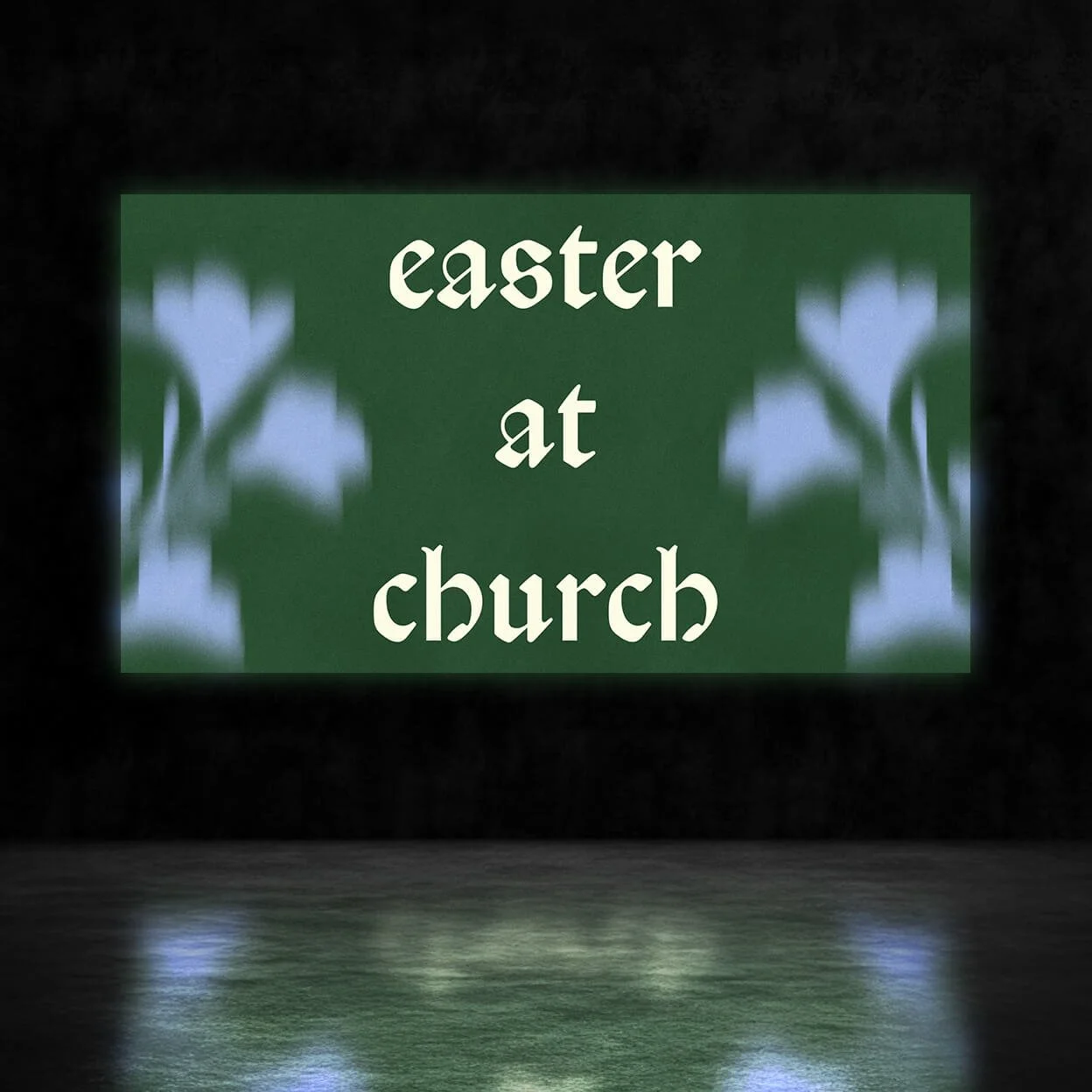
Veneta Motion Bumper (Beta)
$
16
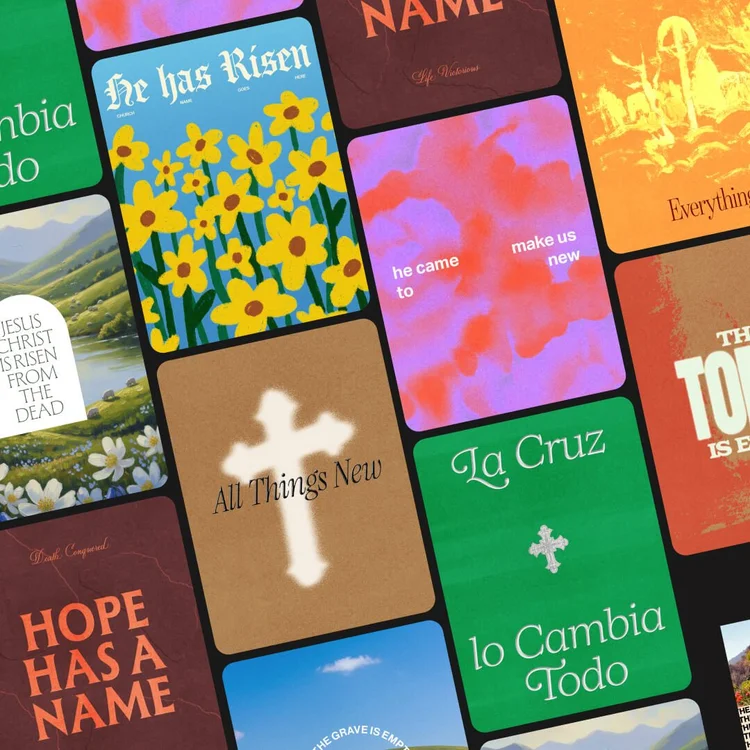
Animated Easter-season bumper for your Sunday service screens.
What's Inside
- Editable After Effects File
- 1 Widescreen Motion Bumper (16x9)
How to Use
- Open the project file in After Effects
- Edit the text layers to match your sermon series title
- Go to File → Export → Add to Media Encoder Queue
- In Media Encoder, select H.264 and export as .mp4
Software & Usage
Software
Adobe After Effects
Fonts
Adobe Fonts, Google Fonts & open-source — no extra licenses needed.
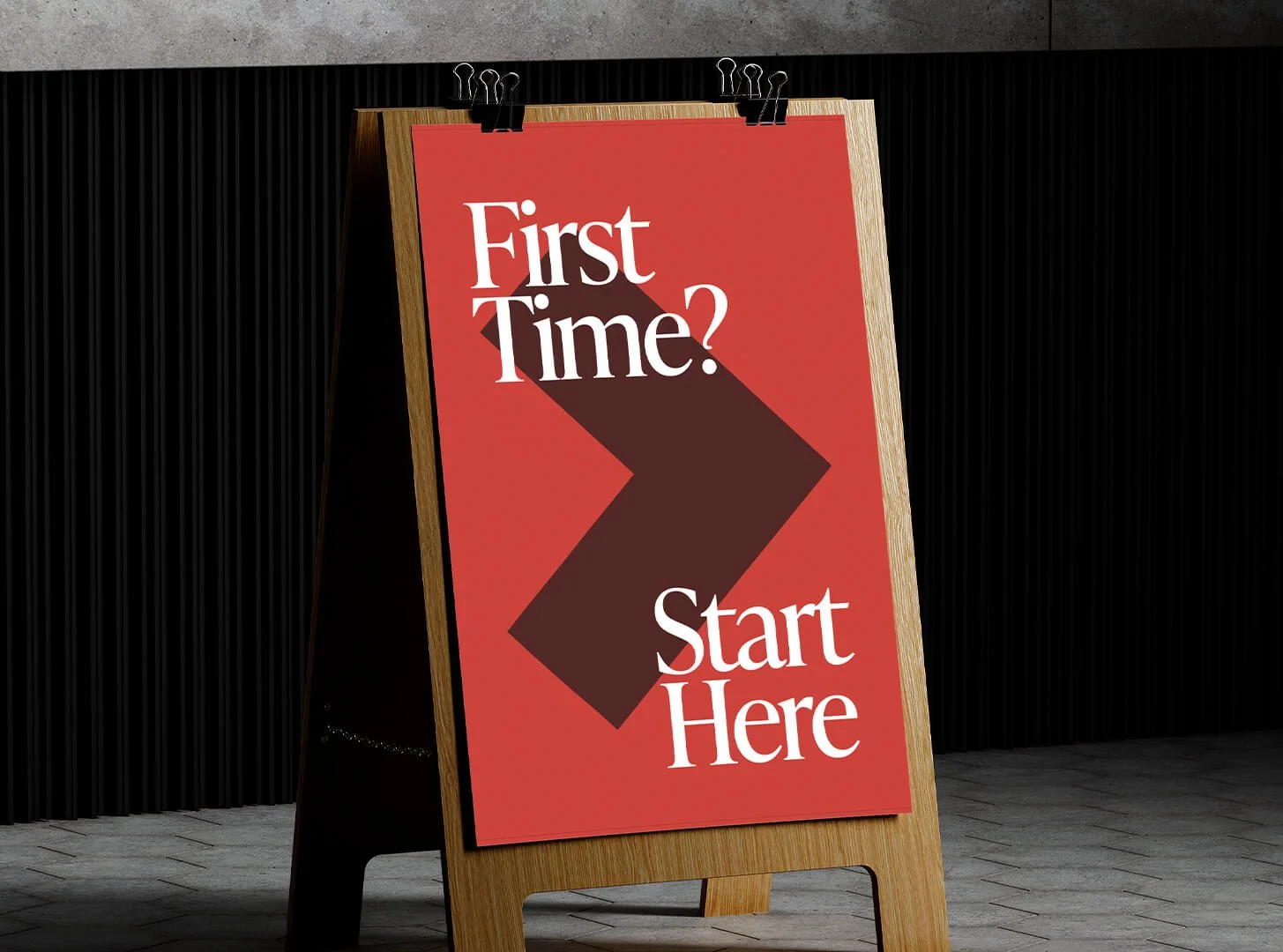
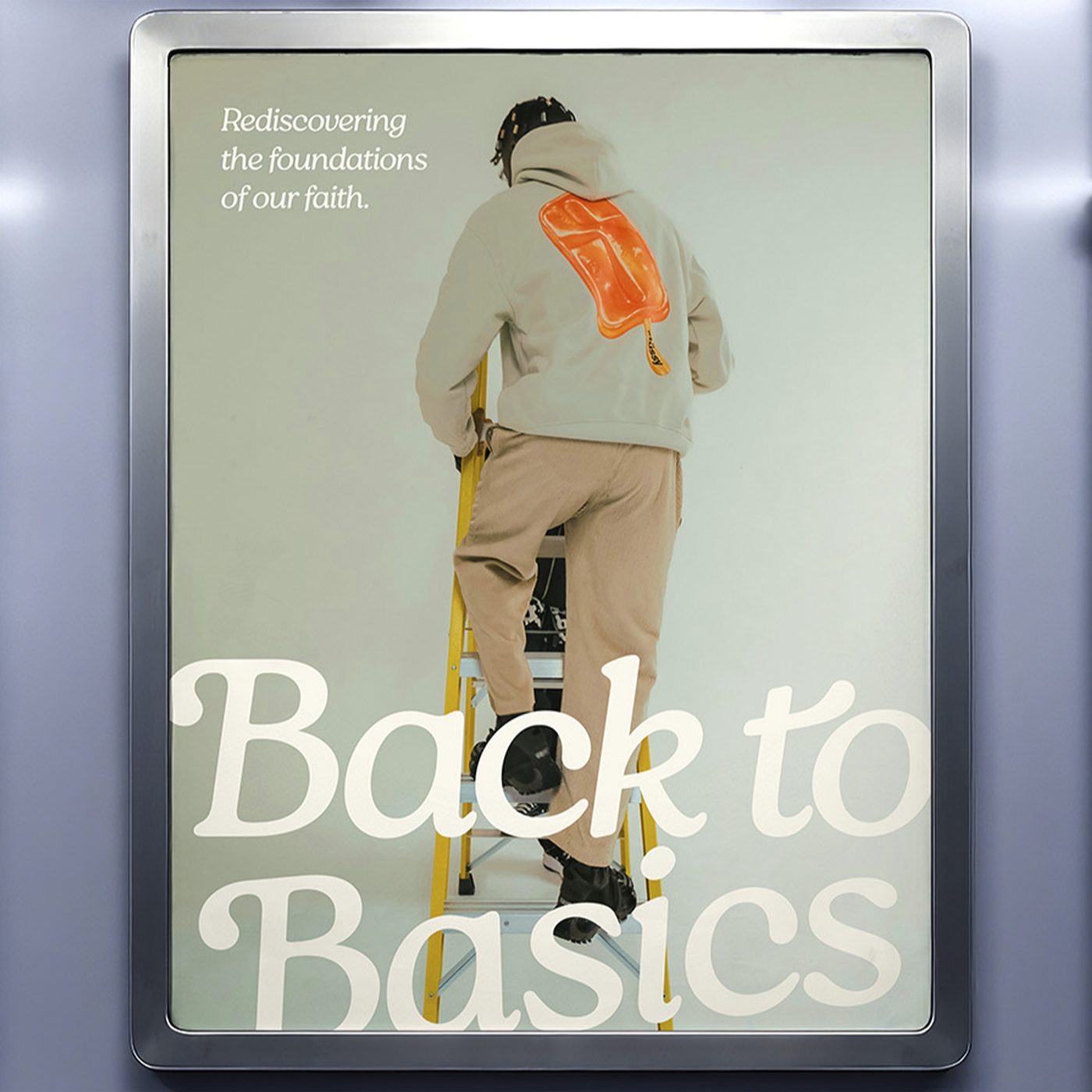
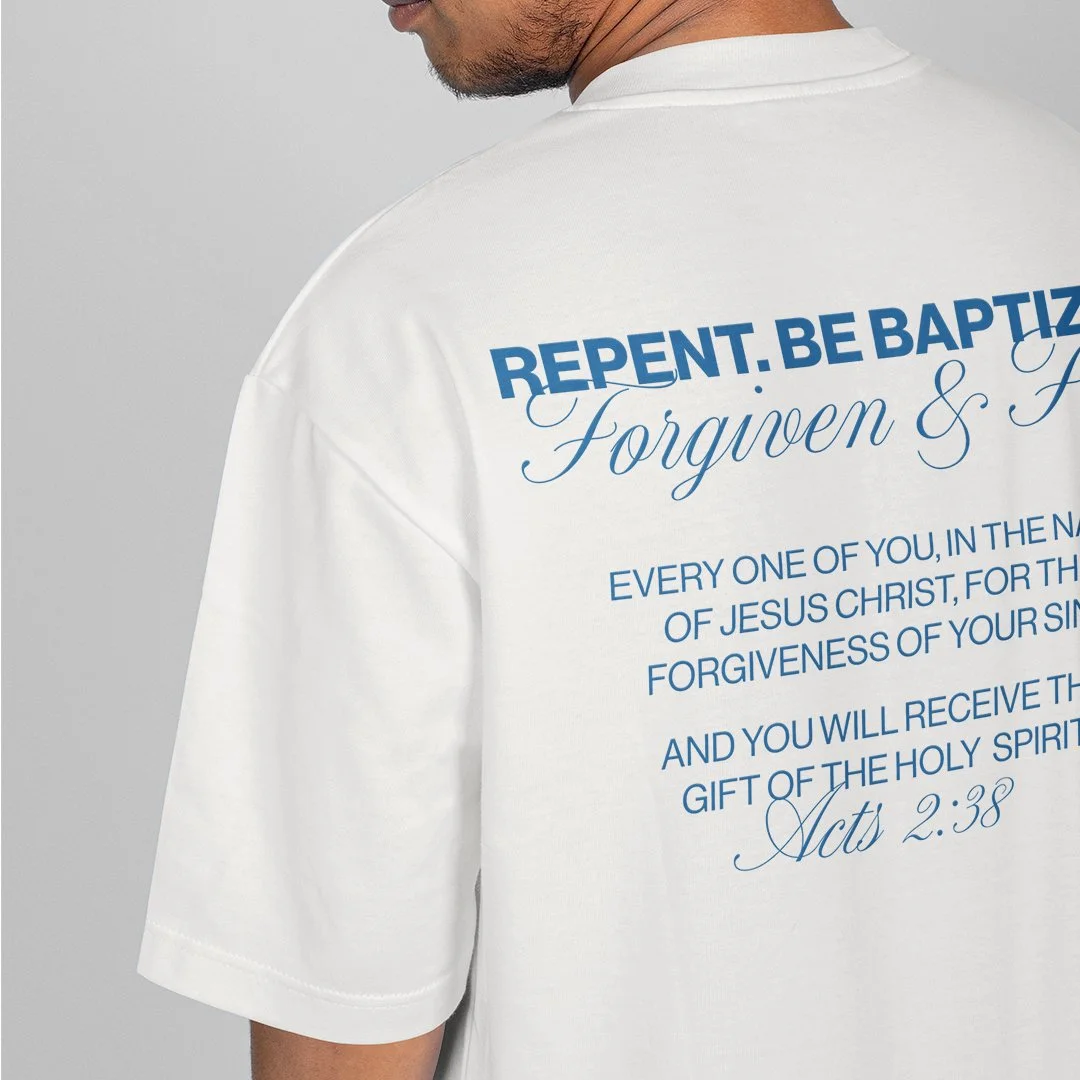
Mockups shown are for display only — not included in the pack.
All Church Goods resources are for personal or commercial church use only. No resale or redistribution.
Get this and 100+ other design kits
Download instantly, new drops every month.